
Apple’s current MacBook Pro range presents two different ideas of an upgrade: a newer base chip and a more ambitious display. Use your work—not the largest model number—to decide which deserves your money.
Understand the two announcements
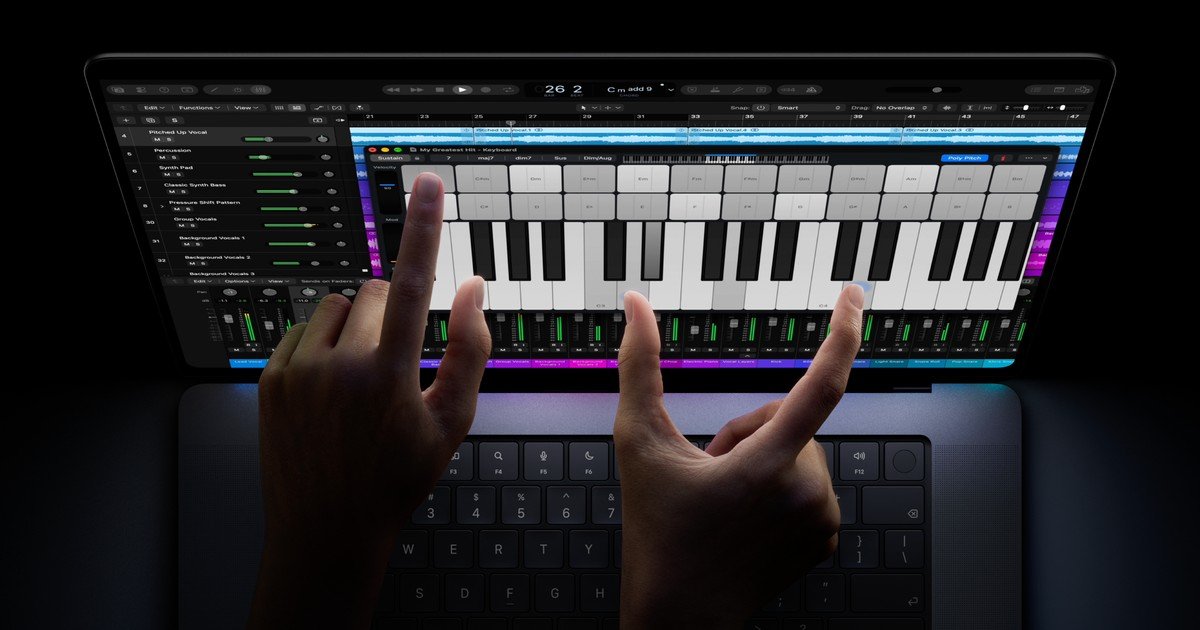
Apple announced a 14-inch MacBook Pro with M6 on 27 October. A day later it announced PROLED XDR models with M5 Pro or M5 Max. They are separate product choices. The PROLED announcement adds tandem OLED and touch input; do not assume every newly announced MacBook Pro includes that screen.
Start with the bottleneck
If your current laptop handles your projects comfortably, an upgrade needs a specific reason. Identify the problem first: slow exports, limited memory, insufficient storage, an unsuitable display or too much weight in your bag. Then compare models against that problem.
A writer who mostly uses a browser and documents may value portability and a comfortable keyboard more than premium display features. A photographer who frequently edits away from a desk may put the screen higher on the list. Neither person should copy the other’s purchase just because both laptops carry a Pro badge.
Price the configuration you need
Compare complete configurations. Include enough memory for your simultaneous applications and enough storage for your working files. Think about which projects can live on external storage and which must stay with you.
Use a simple worksheet: essential applications, typical project size, external displays, available storage and travel needs. Mark each requirement as essential or optional. This prevents an attractive headline feature from crowding out an everyday requirement.
Test familiar material
If the display is your reason to upgrade, inspect your own images or video in a shop when possible. If performance is your reason, wait for independent testing of the applications and configuration you use. Manufacturer demonstrations are useful introductions but do not reproduce everyone’s workload.
For touch input, think about specific repeated actions. Ask whether interacting directly with the screen saves effort in those tasks. A new input method is valuable when it fits the workflow, rather than simply being available.
Our buying rule
Buy to remove a real limitation, and compare the exact configuration rather than the family name. Check local availability, returns and the final price before ordering. This guide is based on Apple’s announcements and practical decision criteria; it is not a tested ranking or a promise of a performance gain.
Sources and press image: Apple Newsroom. Model information checked against the October 2026 announcements.