
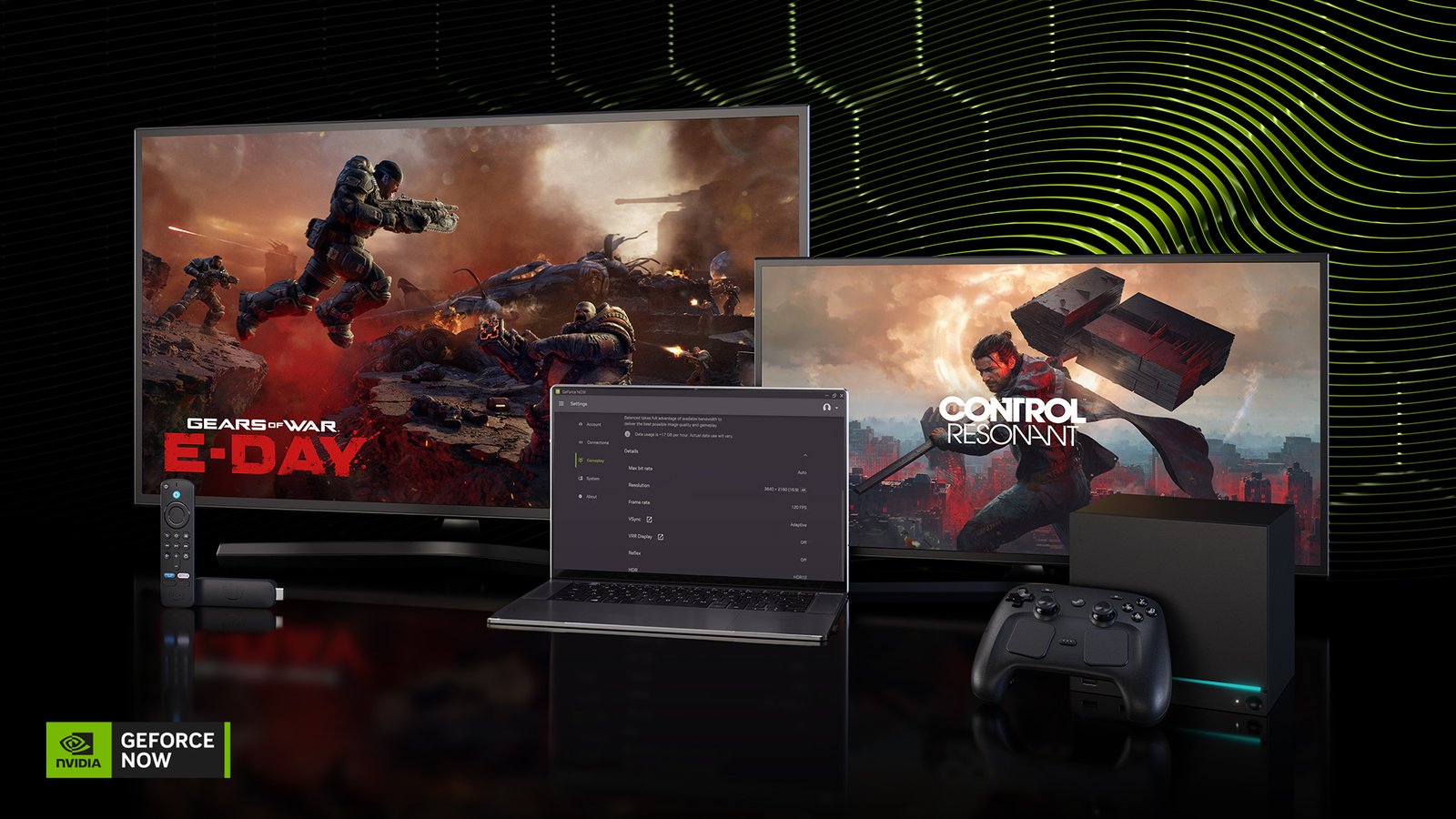
NVIDIA’s October updates give GeForce NOW users more control over how supported games look and perform. For players using a laptop or another supported device, this is a useful reminder that cloud gaming quality depends on more than the graphics hardware in the device in front of them.
What the update includes
NVIDIA’s 15 October GeForce NOW update describes DLSS 4.5 controls for supported games, covering Super Resolution, Dynamic Multi Frame Generation and Ray Reconstruction. The company says the available options depend on the membership and the cloud rig. The settings are offered in the GeForce NOW app on supported platforms.
This is an explainer of that October update, not a claim that a new feature launched today. Check the current application and membership details for the games you intend to play.
Why the labels can be confusing
Different graphics settings try to solve different problems. Reconstructing a higher-resolution picture, creating additional displayed frames and improving ray-traced imagery are not interchangeable. A setting that makes motion look smoother should not be treated as proof that every part of the experience responds faster.
The sensible comparison is to change one setting at a time and use the same scene. Look for the picture quality you want, then pay attention to the response to your controls. Avoid drawing a conclusion from a frame-rate counter alone.
The connection still matters
Cloud gaming adds a network path between your input and the machine running the game. A stable connection and predictable behaviour are important alongside image quality. Even an attractive streamed picture can be frustrating if the experience changes abruptly while you play.
Before committing to a setup, try it on the network, screen and controller you plan to use. A service that works well at one desk may feel different on a weaker wireless connection elsewhere in the house. Test the actual games you care about instead of assuming every title behaves identically.
What to check first
Confirm that a game is available in the service, that your membership offers the settings you want, and that your local device supports the intended playback mode. Then compare a quality-focused preset with a performance-focused one. Keep the choice that makes the experience better for you.
We have not run an independent latency or image-quality benchmark for this article. The goal is to explain the settings and the checks that make a trial useful.
Source and promotional image: NVIDIA’s October GeForce NOW update.